Automate Your Creativity with CNC A Sketch! 🤖🎨
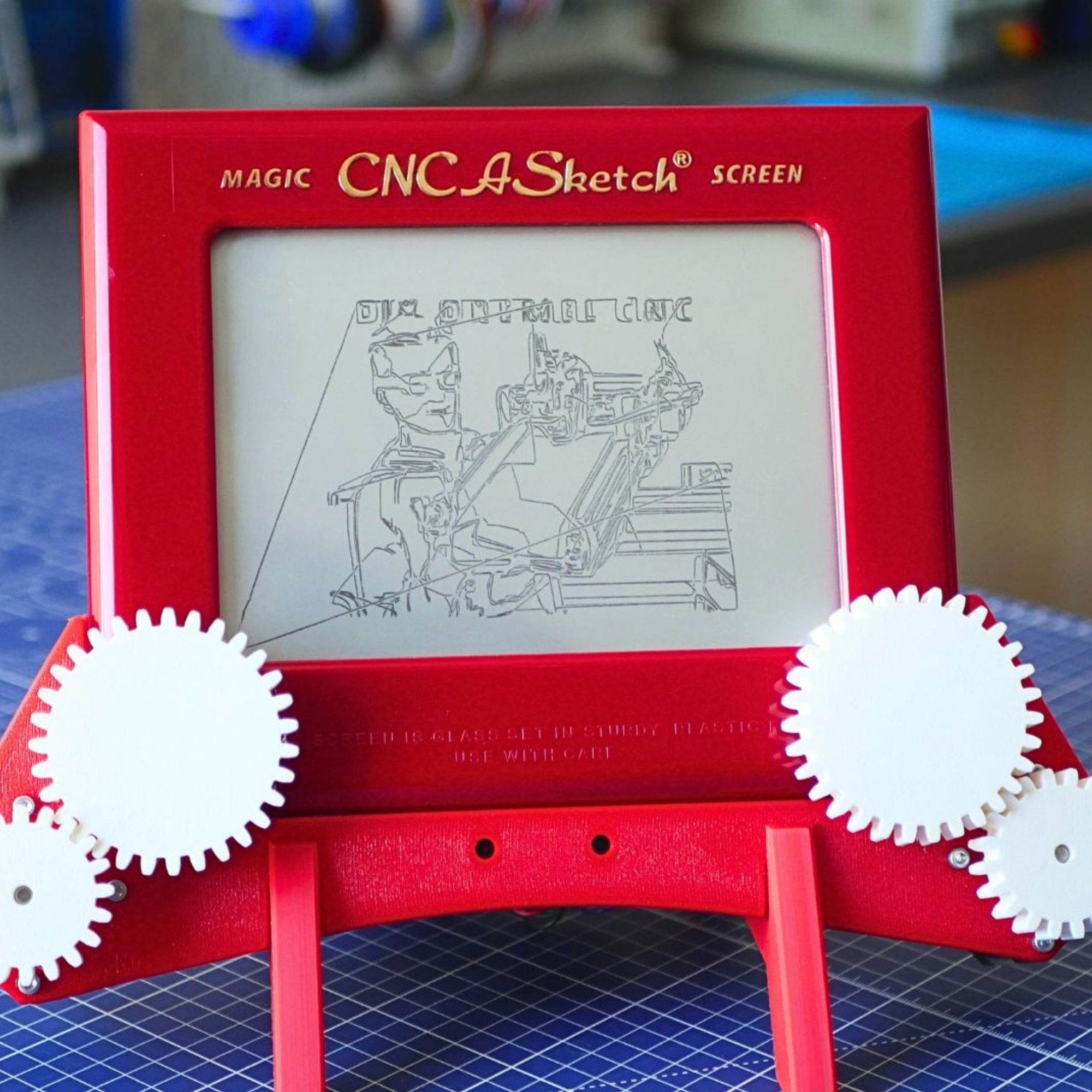
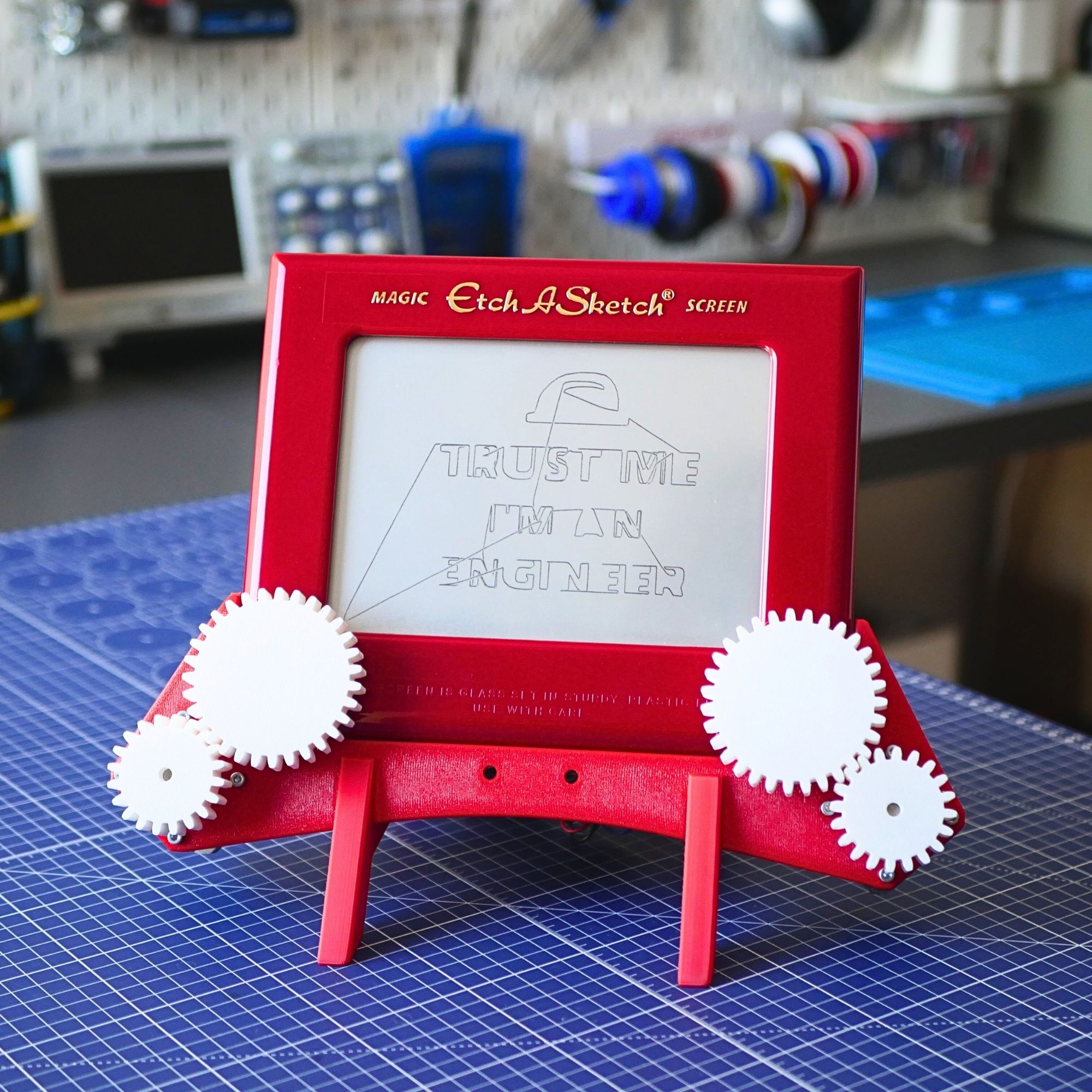
The Etch A Sketch is a classic, but let’s be honest—it is way more difficult to use than it looks! Inspired by the “self-drawing” toy from Toy Story, I created CNC A Sketch: a docking station that turns this iconic toy into a high-tech, automated plotter.
🚀 DIGITAL DOWNLOAD: This product is a complete project bundle delivered as a ZIP archive. Start building your machine today with no shipping wait times!
Why Build This?
- Perfect for Education: A great way to introduce kids (and adults!) to making and turning old toys into cool machines.
- Learn CNC Basics: This project uses the same core concepts as professional industrial machines – X/Y axes, motor drivers, and G-code.
- Non-Permanent Modification: The design uses a “press-fit” system. You can remove the motors anytime to return to original manual play!
- AI-Powered Art: Learn how to use modern AI tools to convert any photograph into a clean line drawing for the plotter.
What’s in the Box (The ZIP Archive)?
Everything you need to go from a pile of parts to a working robot:
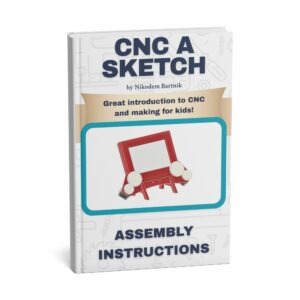
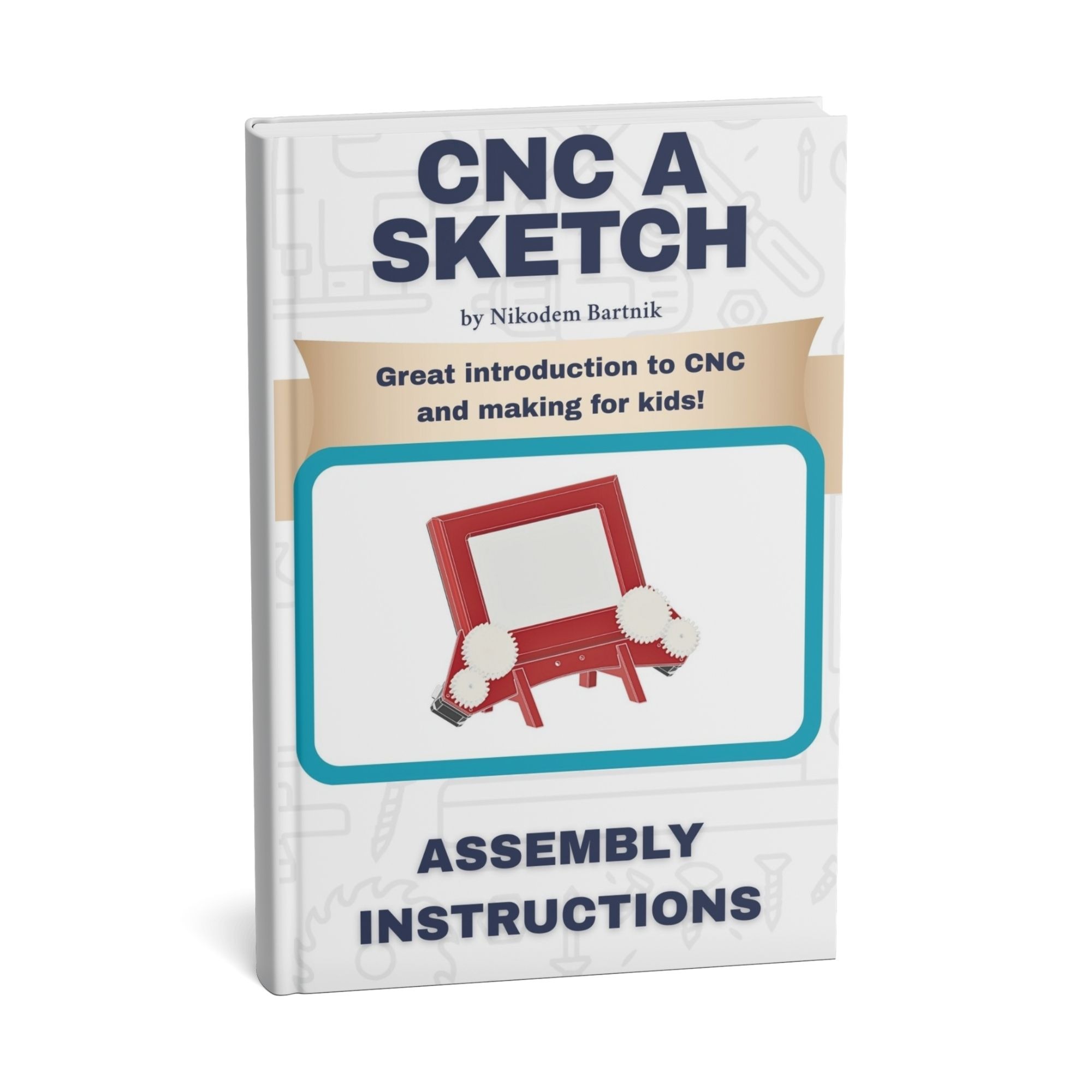
- Detailed PDF Guide: 18 pages of instructions, wiring diagrams, and troubleshooting tips.
- 3D Models (STL & .3MF): Optimized parts designed for easy printing without supports.
- Custom Firmware: Plug-and-play code for Raspberry Pi Pico and Arduino Uno.
- Desktop Controller App: A powerful Python application to convert images to vectors and send G-code to your machine.
Hardware Requirements
To finish this project, you will need:
- A standard Etch A Sketch toy.
- A 3D printer (or a 3D printing service).
- Raspberry Pi Pico or Arduino Uno.
- Two NEMA 17 stepper motors and A4988/DRV8825 drivers.
- A 12V DC power supply.
Ready to start making? Grab the bundle and build your own piece of automated nostalgia!