
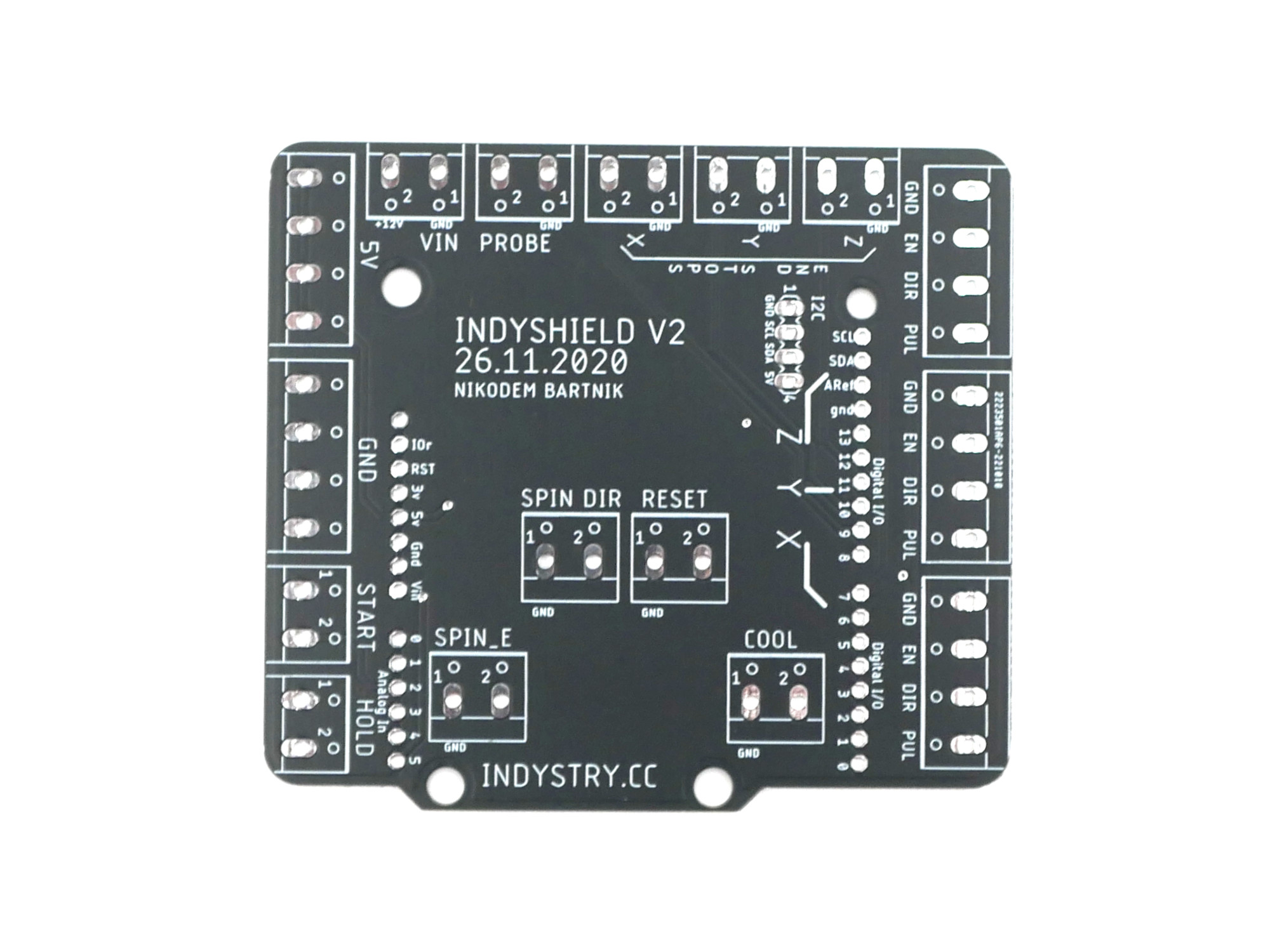
🔌 IndyShield PCB – CNC Control Made Simple
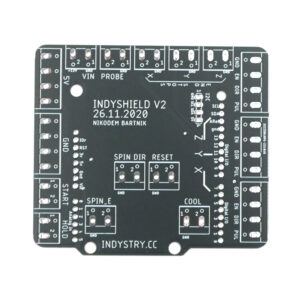
The IndyShield is an Arduino-compatible shield designed to make CNC wiring reliable. By using screw terminals instead of flimsy headers, you get a secure connection for big stepper drivers (like DM542 or TB6600), spindle control, and buttons.
Core Features:
- GRBL Compatible: Plug-and-play with standard CNC firmware.
- Beginner Friendly: Large soldering pads and a simple, clean layout.
- Universal Use: Perfect for IndyMill, laser engravers, or any stepper motor project.
- Secure: Industrial-style screw terminals for all I/O pins.
🛠️ Parts Needed (BOM)
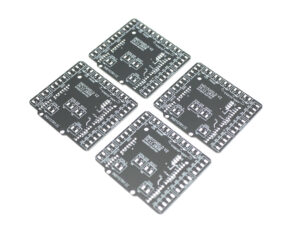
This product is the bare PCB only. To complete the build, you will need:
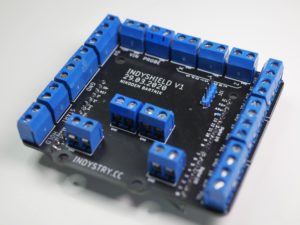
- 21x Two-port screw terminals (5mm pitch)
- 4x Gold pins (for I2C header)
- 1x Set of Arduino shield headers

Graham (verified owner) –
Easy to assemble and nice colour.
The issue with the z axis limit switch connector has been resolved but remember to stick a little piece of insulating tape over the Arduino’s USB port.
Arvin Singh (verified owner) –
Super neat and strong board. Worked on the first try. THT component spacing is on point!
Mark Facer (verified owner) –
Absolutely great, a well thought out and quality pcb, makes wiring so much easier, not just for an indy mill, but any cnc projects.
Honza (verified owner) –
Great shield, easy to assemble and has really great features. All project of Indymill is really great and it worth to buy any of part for this project! Thank you Nik
Jordi Fernández García –
Good shield to use external drivers or limit switches.
Only downside is that it was designed for the older grbl pinout.
Version 1.1 changes spindle and one of the limit switches so spindle pin os pwm.
Just be careful with it or edit your Arduino grbl firmware pinout.
D COMPAGNON (verified owner) –
Easy assembly, perfect hole sizes and spacings. Great !
Michael (verified owner) –
Great shield, works as advertised.
Important note:
Take the long pin connectors, because I didn’t and had to fuddle a little to get a good connection on all pins.
Recommendation:
I recommend to mount the screw terminals on the side above the arduino’s USB port inward. This way you get the port closer to the outer wall.